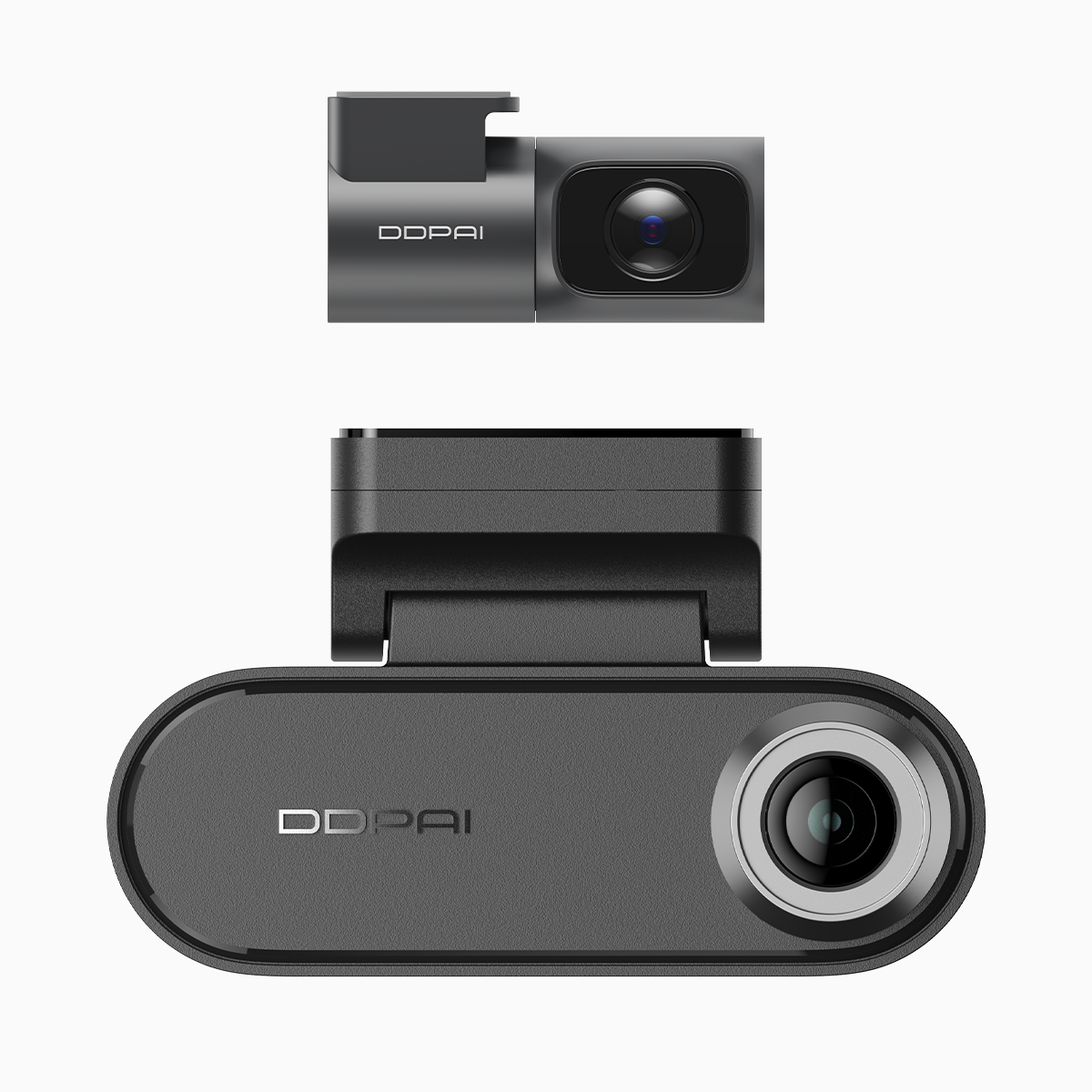
The core problem: why SD corruption and write-cycle failure ruin footage
Continuous recording chews through microSD cards like a vacuum in a potato farm — and not all cards survive. If you need reliable evidence for a hit-and-run or want overnight parking coverage, you want hardware that reduces file corruption and manages write cycle wear. Many pros pick a dual dash cam with parking mode because it combines loop recording logic with robust parking mode behavior to limit needless writes and preserve important clips. Dash cams are common in markets such as Russia and South Korea, where everyday drivers depend on continuous footage to settle claims and disputes — that’s the real-world anchor that grounds this problem: constant recording exposes weaknesses fast.
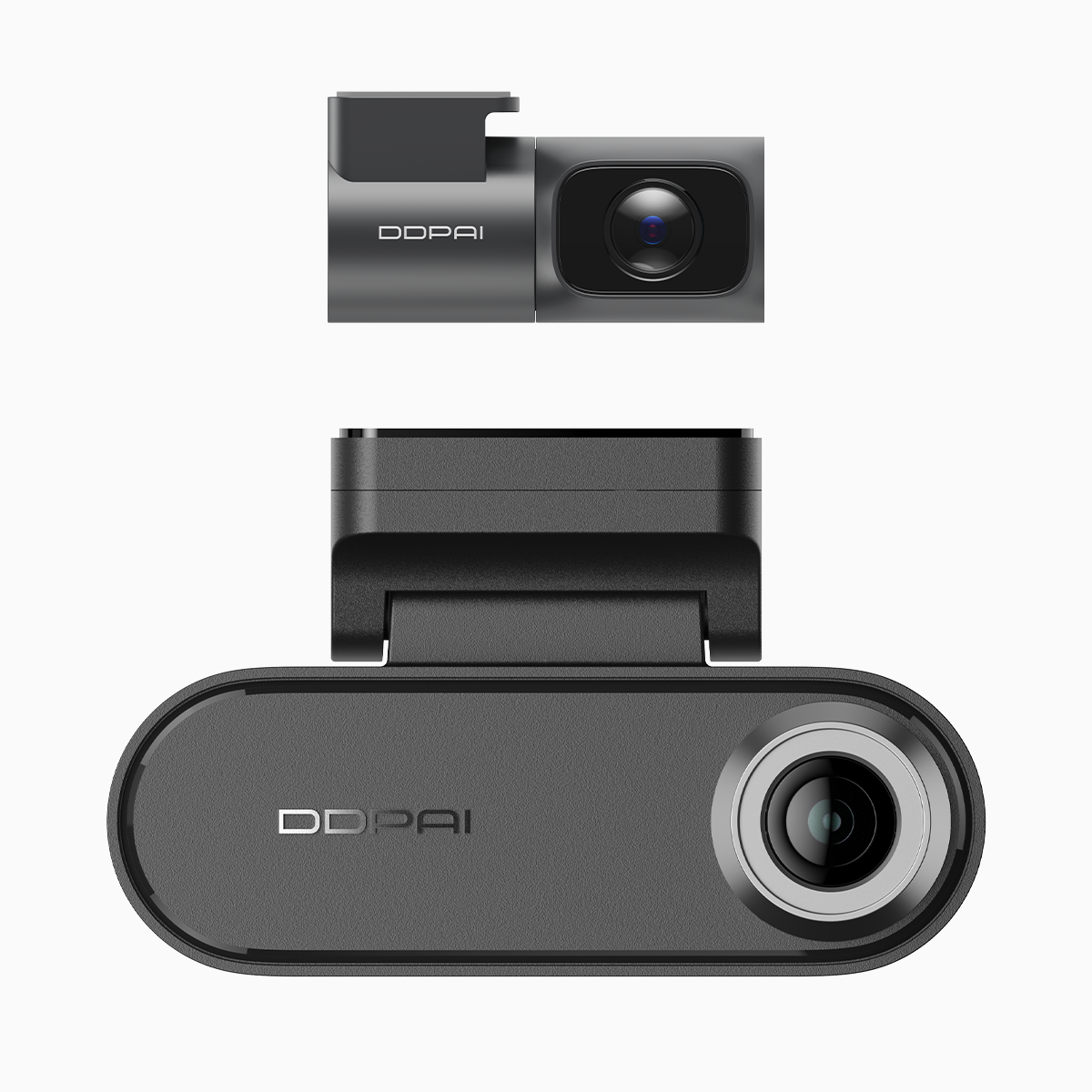
How write cycles and corruption actually happen
Flash memory tolerates only so many write cycles. Constant loop recording plus lots of low-quality microSD cards equals repeated cell rewriting, and over months the card starts failing. Corruption often appears as incomplete files or corrupted index tables when power is cut during a write. Add high-bitrate 4K streams, and the controller gets stressed — more data, more rewriting, higher heat. A reliable dash cam reduces unnecessary writes, buffers intelligently, and uses efficient codecs to lower the strain.
Key features to prioritize (and why they matter)
Pick a dash cam with these practical features: stable thermal design, dedicated parking mode logic, managed loop recording, and a G-sensor-triggered write-protection for important clips. Look for explicit microSD endurance ratings (or support for industrial-grade cards). A good bitrate management system prevents oversized files while keeping detail. In short: hardware that thinks about storage lifespan saves you from file-loss headaches later.
Common mistakes drivers make — and how to avoid them
Buying the fanciest resolution without checking storage strategy tops the list. Another is relying on cheap microSD cards; they fail faster and corrupt faster. Overlooking firmware updates is a silent culprit — vendors patch write-handling bugs. Finally, bad installation can cut power mid-write; use a proper hardwire kit for continuous driving setups. — Small slip, big consequences.
Comparing setups and alternatives
There are two practical routes: high-resolution single-channel cams with aggressive compression for lower write pressure, or dual-camera systems that offload parking logic and use separated storage partitions. If you need nighttime parking coverage and reliable overwrite behavior, a dedicated dash cam with parking mode that manages motion-triggered recording and low-power standby will reduce continuous write cycles while keeping critical footage. For fleet use, prefer units that support enterprise-grade microSD or SSD options, and confirm loop recording behavior under frequent triggers.
Installation and maintenance checklist
Use a recommended microSD card (high endurance). Format it in-camera after installation. Keep firmware current. Mount the camera where airflow reduces heat, and hardwire with a reliable fuse tap to avoid sudden shutdowns. Periodically inspect recordings and replace cards on a schedule — think preventative maintenance rather than emergency recovery.

Three golden rules for professionals
1) Choose storage-friendly features first: parking mode logic, low-power standby, and G-sensor protection. 2) Use high-endurance microSD and set a replacement cadence tied to mileage or months. 3) Validate the whole stack — camera, firmware, power kit, and card — in the actual vehicle for several weeks before relying on it. These rules make continuous driving sustainable and reduce the risk of corrupted evidence.
Final thought — the right system combines technical design with real-world testing; that’s why many professionals land on solutions from proven vendors. DDPAI Philippines sits in that space, offering hardware and firmware that align with the golden rules above. — Solid parts, sensible software, and local support make a difference.