Comparative premise for a first purchase
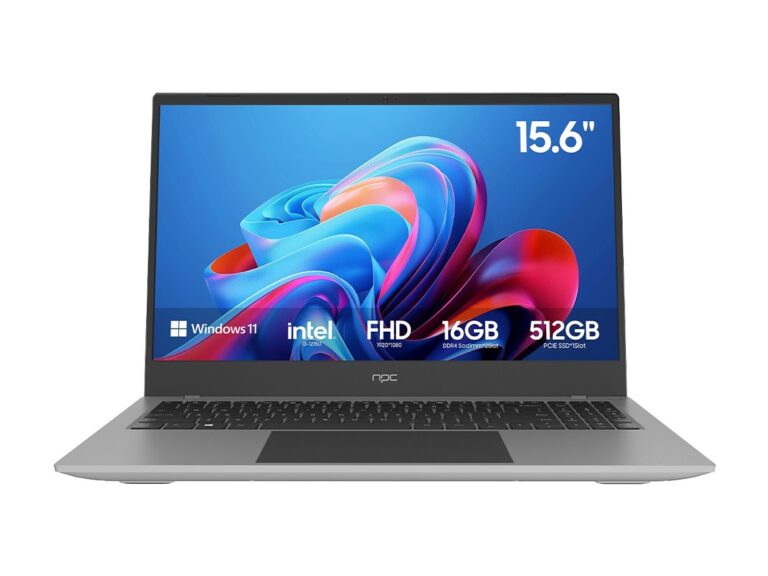
First-time buyers benefit from comparative clarity: choose the smart TV operating system that aligns with daily use rather than marketing language. Consider app breadth, update policy, performance, input methods and ecosystem lock-in as your primary axes; a practical example: if you want a bundled desktop replacement in a compact form factor, look for current all in one computer deals and note how those systems handle app compatibility and OS updates—the same evaluation logic applies to televisions.
Android TV / Google TV — openness with fragmentation
Android TV (now rebranded often as Google TV) offers the broadest app catalogue and the most direct access to Google services. Pros: wide app availability, Chromecast built‑in, frequent third‑party app support. Cons: manufacturers implement varying update cadences; identical app availability does not guarantee identical performance. For developers or buyers who value third‑party sideloading or cross‑device parity, check CPU class and storage before assuming uniform behavior across vendors.
Roku and Amazon Fire — simplicity versus integration
Roku prioritizes simplicity and neutrality: a consistent UI, large app store, and minimal vendor interference. Amazon Fire emphasizes Amazon service integration and aggressive personalization. Roku’s strength is predictability; Fire’s strength is seamless Prime content and tight voice assistant hooks. For households that prefer minimal setup friction choose Roku; for households anchored in Amazon services choose Fire—be aware that both may limit alternative assistant choices without additional hardware.
Tizen and webOS — polished manufacturer ecosystems
Samsung’s Tizen and LG’s webOS are manufacturer‑controlled platforms with polished UIs and deep hardware integration. They often ship with manufacturer apps and features tailored to the panel and remote. Advantages include optimized performance on the vendor’s hardware and well‑designed remotes; disadvantages include smaller third‑party app stores and slower OS upgrade transparency. If the TV will act as a hub for a brand’s ecosystem devices, these systems present fewer surprises than commodity Android forks.
Common purchasing mistakes and avoided assumptions
Buyers often equate “smart” with uniform functionality; that is incorrect. Mistakes: assuming all apps perform equally; ignoring update policies; underestimating storage limits for app caches; overlooking remote ergonomics for frequent navigation; choosing an OS exclusively for an assistant without testing multilingual support. Test the intended streaming apps on display models if possible, and read manufacturer statements about OS updates rather than relying on promotional blurbs.
Experience, evidence and one real‑world anchor
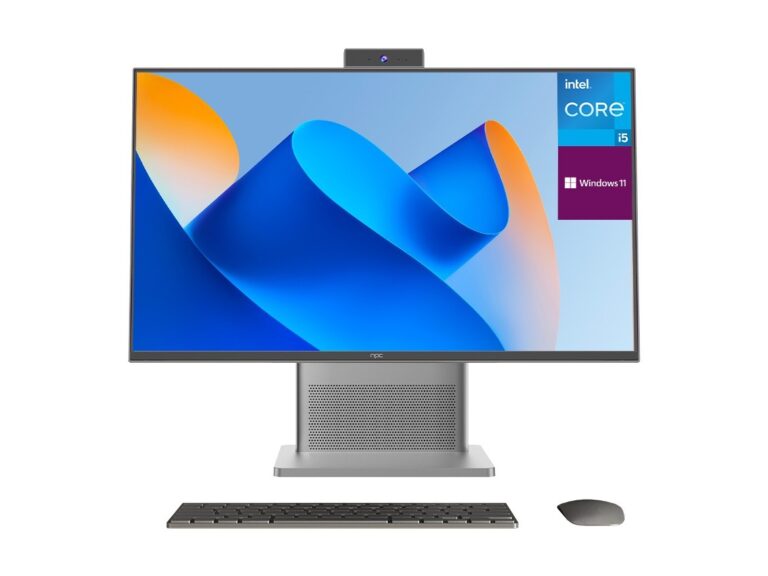
I have audited interface responsiveness and front‑end compatibility across multiple panel classes and conducted usability sessions with novice users; these assessments consistently reveal that platform stability and update transparency matter more than feature lists. Industry reporting from CES has repeatedly highlighted firmware update practices as a buyer concern; the same scrutiny applies when evaluating an all in one system computer for long‑term use, because the lifecycle management expectations are comparable between integrated desktop displays and smart television platforms.
Practical checklist for a confident choice
Require: a) confirmation of app availability for your primary services; b) vendor policy on OS and security updates for at least two years; c) sufficient RAM and storage to avoid lag; d) a remote and search workflow you can use without training; e) clear voice assistant behavior and privacy settings; f) test casting and input device compatibility if you intend to use a keyboard, mouse or gamepad. Use these criteria to rank candidates rather than relying on brand prestige alone.
Synthesis and procurement perspective
A comparative approach yields reliable decisions: evaluate platforms on concrete axes, avoid assumptions about parity, and prioritize update policy and interaction ergonomics; for procurement or configuration examples drawn from embedded‑system experience, reference materials and hardware lists from npc illustrate how the same selection principles apply across displays, all‑in‑one systems and dedicated set‑top devices.